Reviews
Description
Game Introduction
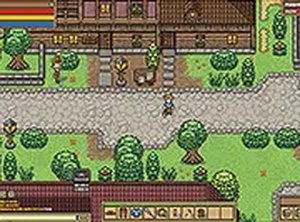
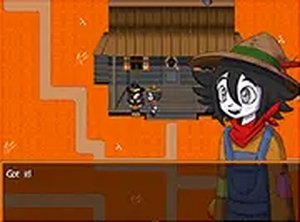
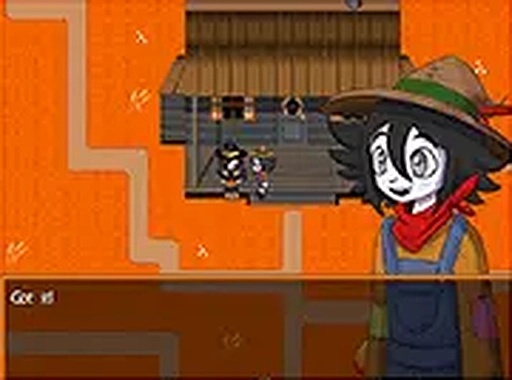
Crowscare Adventure Online Game invites you into a mysterious world where a young farm boy discovers hidden secrets. The game combines a spooky narrative with engaging gameplay. You will explore various areas, collect items, and interact with characters who provide clues and tasks. The inventory system lets you pick up objects and use them strategically to solve puzzles or prepare for upcoming challenges. This family-friendly adventure runs smoothly in your browser, making it easy to start playing anytime. The atmosphere is immersive yet suitable for all ages, keeping you curious and entertained as you progress through the story.
How to Play
To play Crowscare, use your mouse or keyboard to move the farm boy around the environment. Click on items to collect them into your inventory. Then, click on objects or characters to use the items and complete tasks. Talk to other characters by clicking on them to receive instructions or story details. Pay attention to the order of tasks, as some items may be needed later. The game is designed for desktop play, so a computer with a keyboard or mouse provides the best control. You can also switch to full screen mode for a more immersive experience. Simply follow the on-screen prompts and explore every area to progress through the spooky story.
Game Features
Engaging story that unfolds as you play. Inventory-based puzzles that require logical thinking. Character interactions that provide clues and challenges. Smooth browser performance with no downloads needed. Full screen option for an immersive experience.
Tips for Success
Explore every area thoroughly to find hidden items and clues. Talk to all characters you meet, as they often provide important information. Keep your inventory organized and try using items in different combinations if you get stuck. Pay attention to the story details, as they may hint at the solution to puzzles. Take your time and enjoy the atmosphere; rushing may cause you to miss something.
❓ Having issues?
✅ This game supports: - Desktop browsers (Chrome, Edge, Safari) - Mobile browsers (Chrome on Android, Safari on iOS) ❌ Does NOT support: - Internet Explorer - Very old browser versions 👉 Try refreshing or updating your browser