Reviews
Description
Game Introduction
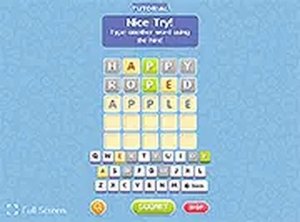
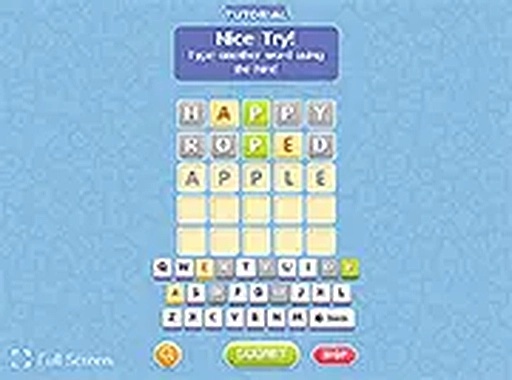
Guess the Word is an online word puzzle game that challenges your vocabulary and logical thinking. The core objective is to deduce a hidden 5-letter word within a limited number of attempts. This game is designed for quick mental exercise and can be played directly in your browser without any downloads. It offers a simple yet engaging experience that sharpens your mind during short breaks or while relaxing at home.
How to Play
Players typically start by typing a 5-letter word into the input box and submitting their guess. After each guess, the game provides feedback by changing the color of the tiles: green indicates the letter is correct and in the right position, yellow means the letter is correct but misplaced, and gray means the letter is not in the word. Using this feedback, you refine your next guess. You have six attempts to find the correct word. If you need help, power-ups are available to reveal letters or provide hints. The game works smoothly on both mobile phones and desktop computers, and you can toggle full screen mode for a more focused experience.
Game Features
This game is free to play and requires no downloads. It is designed to be mobile-friendly, working on phones and tablets. A full screen mode is available for immersive play. Helpful power-ups assist players when they get stuck. The simple interface makes it easy for anyone to start playing instantly. As an online word puzzle, it offers a clean and intuitive experience suitable for all ages.
Tips for Success
Start with common 5-letter words that contain a mix of vowels and consonants to gather maximum information. Pay close attention to the color feedback after each guess and use it to eliminate possibilities. Try to use letters that appear frequently in the English language, such as E, A, R, I, O, T, N, and S. If you get stuck, consider using power-ups strategically rather than randomly. Practice regularly to improve your vocabulary and pattern recognition skills.
Compatibility:
✅ Works on PC & Mobile | Recommended: Chrome / Safari / Edge